Uninstall Mac apps and their leftovers
Dragging an app to Trash removes the .app bundle — not the preferences, caches, and Launch Agents scattered across ~/Library. AI Agent Clean’s uninstall module maps related files so you reclaim space completely.
Get free trialWhy “deleted” apps still use disk space
Most Mac apps spread data across several locations: Application Support for databases, Caches for thumbnails, Preferences for settings, and sometimes LaunchAgents or Login Items for background helpers. macOS does not automatically remove these when you delete the app icon.
Over years, orphaned folders from old trials, beta builds, and renamed apps can add up to many gigabytes. Manual cleanup requires knowing bundle IDs and matching folder names — error-prone and slow.
Leftover scan with full preview
Select an installed app or scan for orphans from previously removed software. AI Agent Clean lists every related path with size, lets you uncheck items you want to keep (like a license file), and moves confirmed selections to Trash.
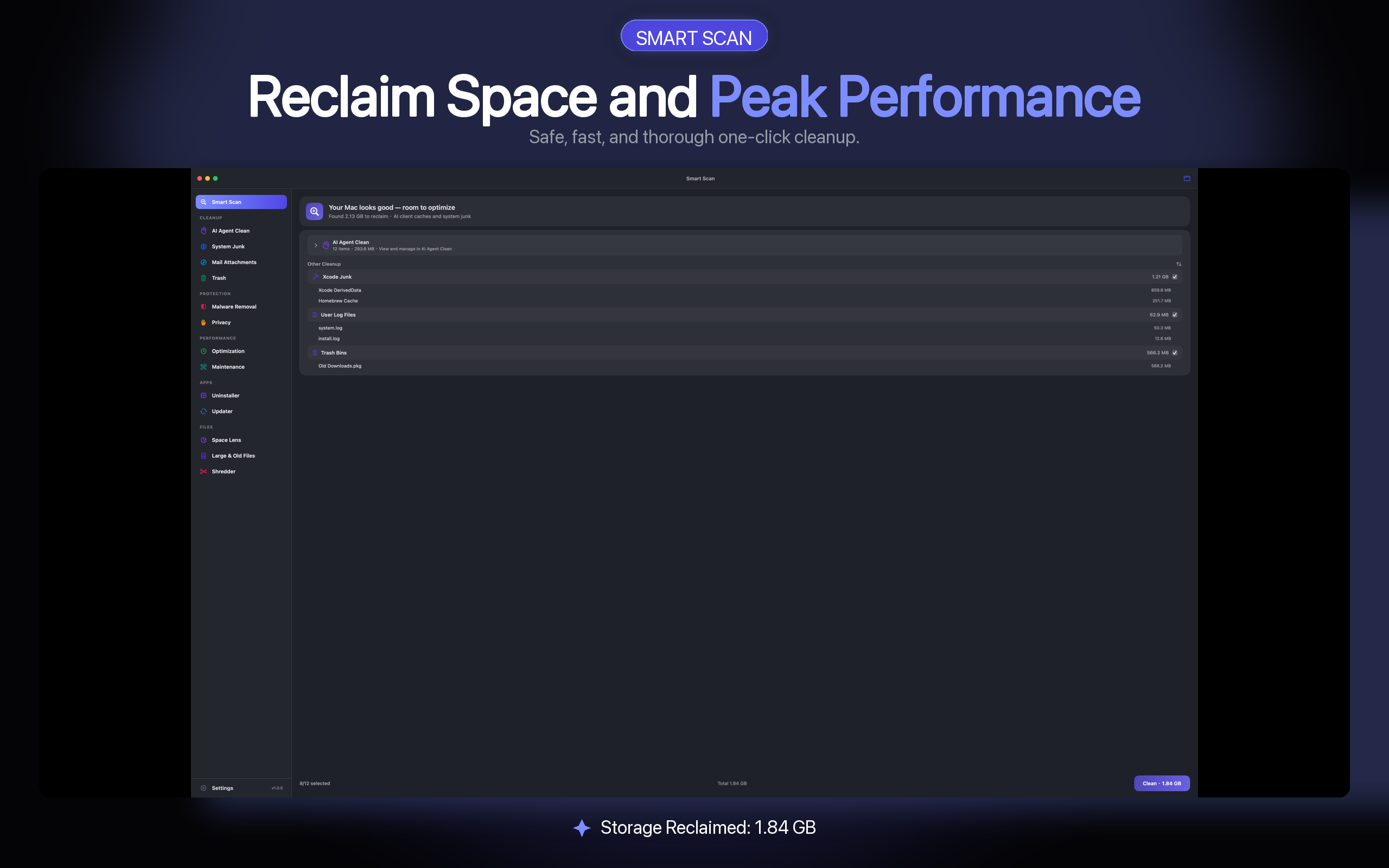
- Bundle ID matching — links ~/Library folders to the correct app.
- Orphan detection — finds folders whose app no longer exists.
- Launch Agents — surfaces background helpers tied to removed apps.
- Trash first — recover from Trash if you remove something needed.
Safe uninstall practices
- Review before delete — nothing is removed without your confirmation.
- Shared components flagged — common frameworks are not blindly deleted.
- Protected system apps — Apple system components are excluded.
- Local only — uninstall scans do not upload file lists to the cloud.
App uninstaller FAQ
Is this better than dragging apps to Trash?
Trash removes the application bundle only. AI Agent Clean finds associated Library files so uninstall is closer to “complete.” You still preview every item before deletion.
Can I uninstall apps built into macOS?
System apps and critical components are protected. The uninstaller targets third-party and user-installed applications.
What about App Store apps?
App Store apps can be removed from Launchpad or Applications. AI Agent Clean helps with leftover Library data that Store uninstall may leave behind.
Will uninstalling break other apps?
Shared libraries and cross-app dependencies are surfaced for review. When in doubt, uncheck uncertain items — they stay on disk.
Get your free trial
Open the Mac App Store to install AI Agent Clean. Install to start your trial — no email required.